Rate
Original terms retained
Stops, equipment, terms, and source file stay together.
The platform
Start with the agreed rate and build the job from there. FleetPath connects pricing, routing, dispatch, documents, and billing so each team can use the work already done. Fewer repeated entries. Fewer delays between delivery and a complete invoice.
Keep goingBuilt for how trucking actually works
The agreed rate, truck assignment, route, and delivery proof belong together. FleetPath keeps them connected so your team can act without chasing the missing piece.
Original terms retained
Stops, equipment, terms, and source file stay together.Checked before commitment
Revenue, fuel, pay, tolls, and accessorials connected.
Prepared truck-legal
Restrictions, permits, dimensions, and available hours.
Attached through settlement
Delivery evidence, invoice, and decisions stay in context.
The first minute
A rate confirmation is the agreement for the load: what moves, where it goes, and what it pays. Re-entering it across dispatch, routing, and accounting costs time and creates room for mistakes.
FleetPath reads that document to create the load. The original stays attached as your team checks profit, plans the route, dispatches the truck, and prepares the invoice. The next person starts with the facts, not another round of data entry.
 FleetPath live load Ready to dispatch
After the rate becomes a load
Check the return, plan the trip, send the driver, and bill the work. Each step uses the details already on the load.
Margin is checked against fuel, miles, driver pay, tolls, authority, and lane history before the rate is accepted.
Dimensions, weight, axle count, hazmat class, permits, restrictions, and available hours shape the route.
The driver receives the route, stops, timeline, and documents in the native mobile experience.
BOL, POD, scale tickets, fuel receipts, accessorials, invoice, settlement, and actual margin remain connected.
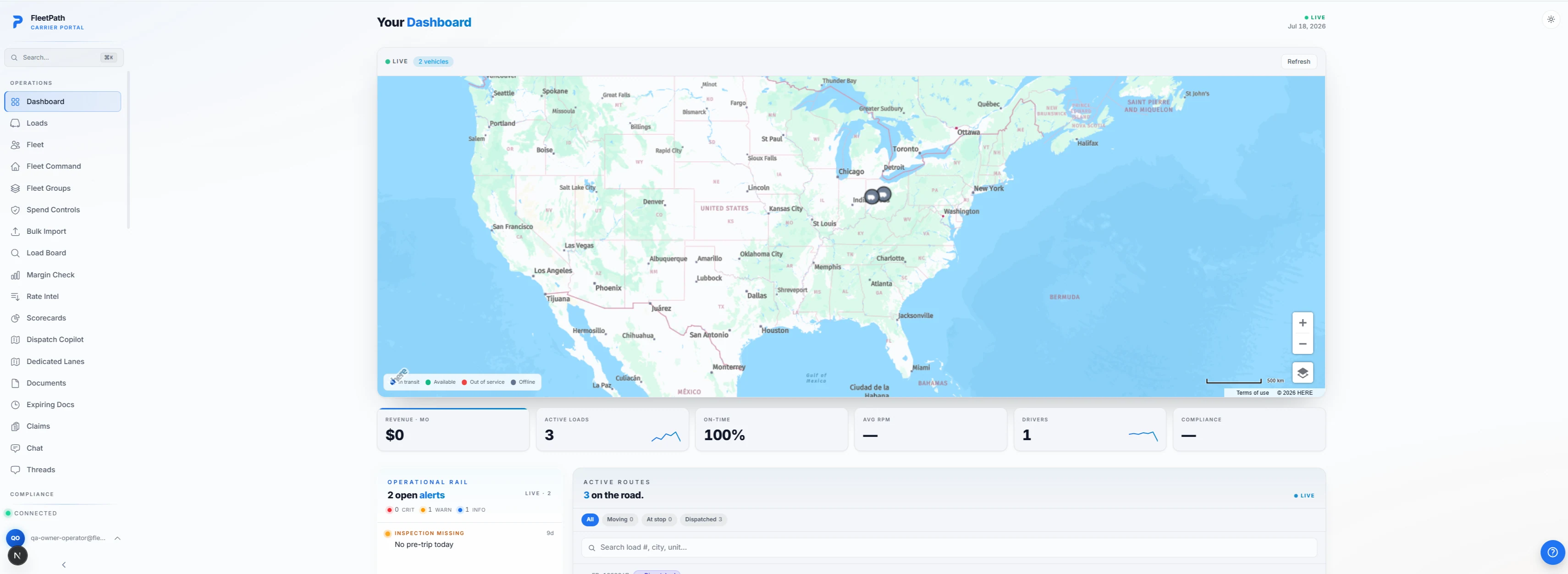
Web command center
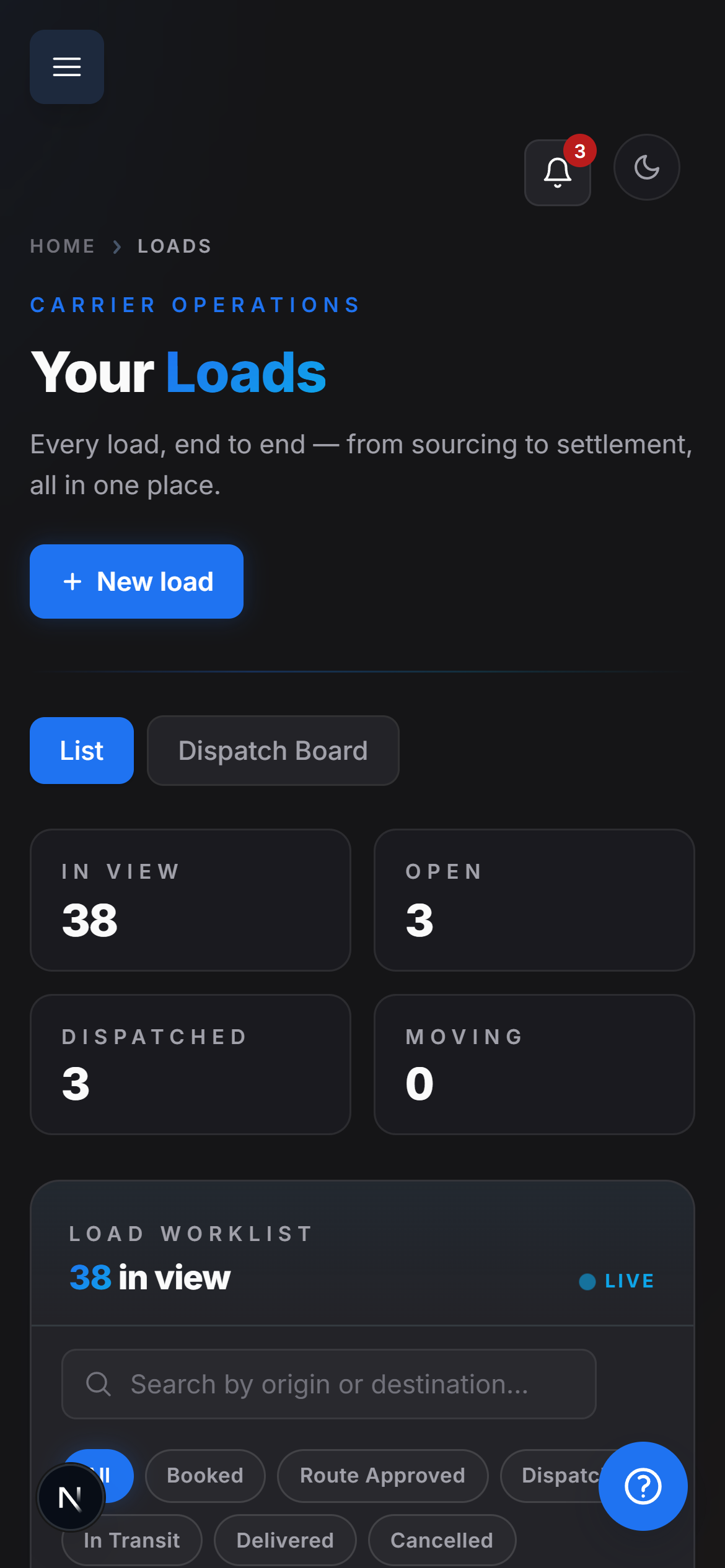
Native mobile experience
Dispatch a load on the board and it is on the driver's phone with a legal route.
Snap a document in the cab and it is filed against the load before the truck leaves the dock.
The operating layer
Uploading paperwork should move the job forward. FleetPath pulls out the load details, calculates expected profit, prepares a truck-aware route, and organizes the evidence for billing. Your team reviews the work instead of rebuilding it.
See FleetPath in actionFleetPath operating recordLOAD FP-48291One record · no re-keyingRate confirmation
Margin gate
Legal route
Live record
Invoice workflow
The record after delivery
Delivery tells you the freight arrived. The completed record tells you what the job earned.
The rate, route, permits, delivery proof, expenses, extra charges, and invoice stay together. When a customer questions a charge or an auditor asks for a document, the office can work from the original evidence instead of searching through messages and folders.
Use the last load to price the next one better. Compare expected profit with actual costs. Spot recurring delays and see which routes and customers leave money in the business.
FleetPath closeout record Complete and defensible