Observe
The live operation, not a pasted prompt
Autonomous operations
A load agreement arrives. A driver checks in. Delivery is confirmed. FleetPath can use those events to start the next permitted task, reducing the work that waits for someone to remember.
It keeps the repetitive work moving, and it stops at every decision that carries risk, spends money, or reaches outside the company. Your team gets the time back to run the business.
The live operation, not a pasted prompt
Required checks before action
The instant authority runs out
What happened and why
What this means for a carrier
Between accepting a load and sending an invoice, dozens of small tasks compete for attention. Enter the details. Check the driver. Collect the proof. Review the charges. When those tasks wait, trucks, people, and billing can wait with them.
FleetPath can respond to a document, driver update, or delivery event by gathering the records and preparing the next task. It carries out the internal work you allow and brings the facts to the right person when approval is needed.
Autonomy is not replacing the dispatcher. It is removing the dead time before the dispatcher can make a good decision.
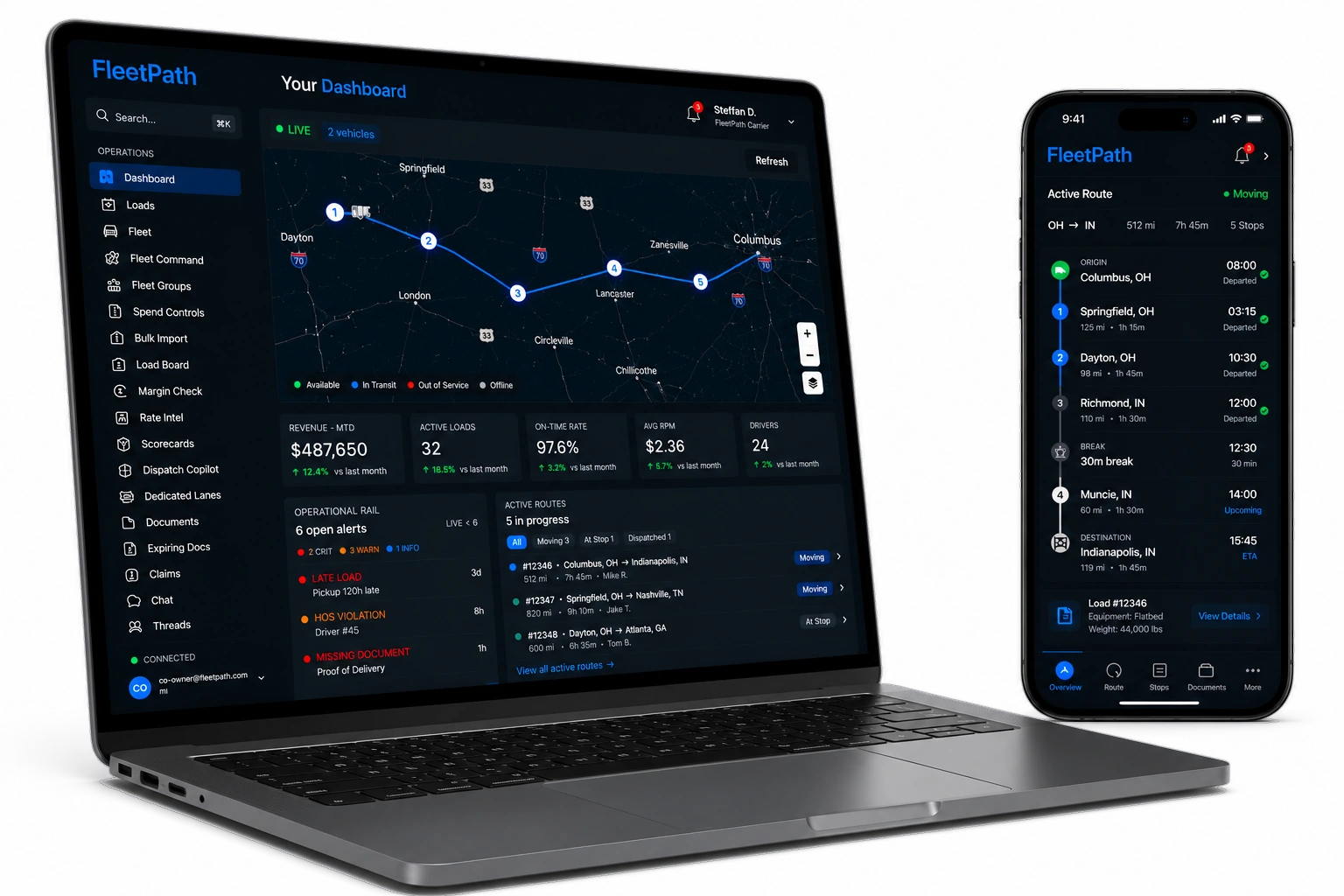
The problem is not intelligence.
FleetPath keeps reading, checking, organizing, calculating, and preparing while your team handles the work that requires judgment.
Detention, accessorials, completed deliveries, and supporting records stay attached to the load and ready for review.
Hours, readiness, route legality, permits, credentials, and policy are checked before dispatch instead of after a problem.
The system handles the chase and preparation. Your people step in for approval, negotiation, safety, and relationships.
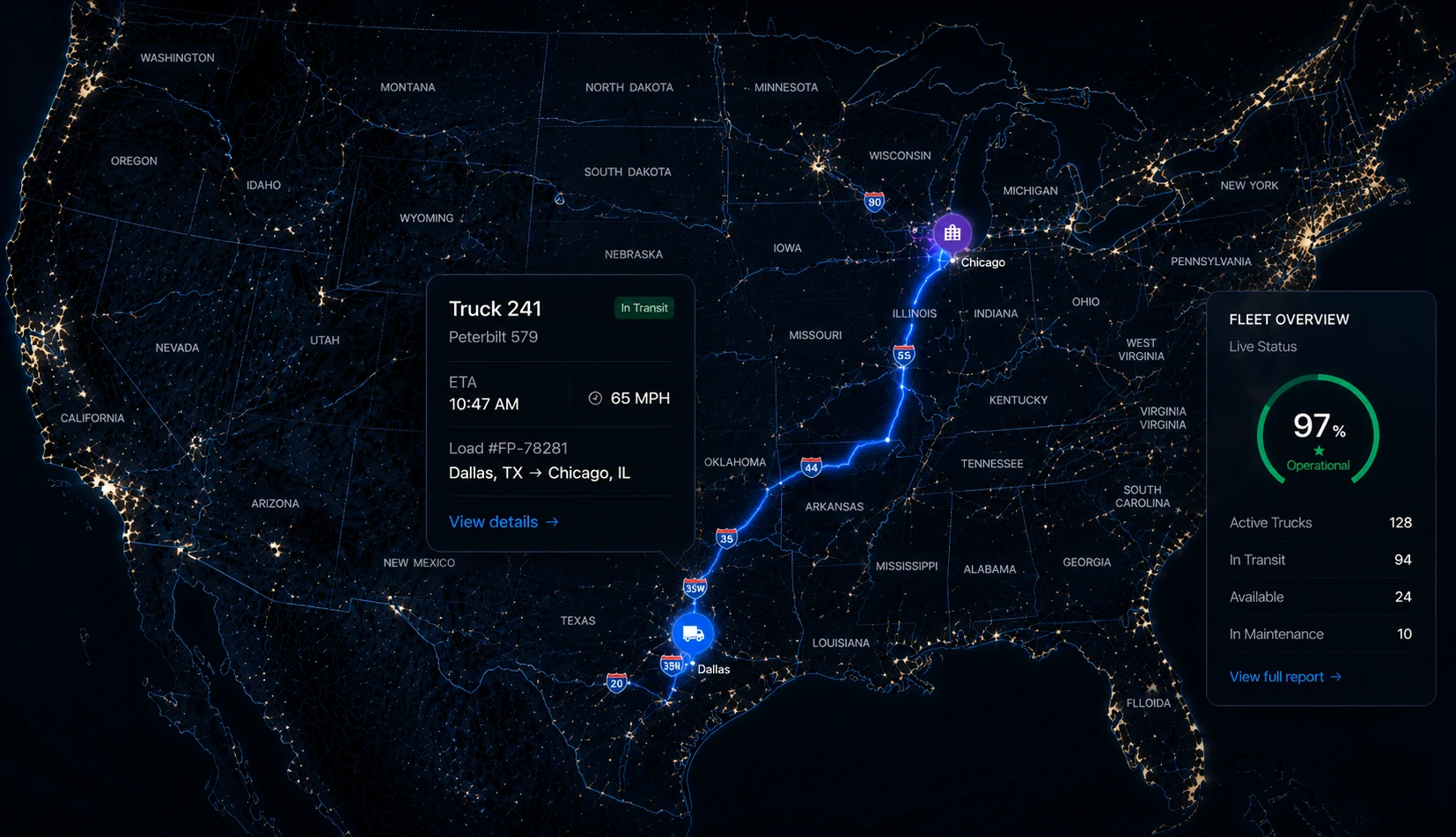
The operating loop
Every task follows a sequence: gather the facts, check the rules, do the permitted work, and record the result. When a person must decide, the preparation is already done.
A rate confirmation arrives, a credential expires, or a route exception appears.
Reads the live operationThe load, driver, truck, route, documents, and company rules are checked together.
Builds the full contextFleetPath checks permission, spending limits, and whether the action can be undone.
Grades the proposed actionPermitted work is completed while money, external messages, and exceptions wait.
Moves reversible workThe record shows what happened, which facts were used, and which rule allowed it.
Leaves an evidence trailWhen authority is needed, FleetPath brings a prepared decision to the right person.
Brings the decision to your team